Apple Health
One timeline, whatever you recorded the run in.
Most runners don't use one app — they use the watch for some runs, a plan for others, and something else for the parts in between. Apple Health is where all of it already meets. TrakRun reads from there, so the analysis covers your whole week rather than the part you recorded in the right place.
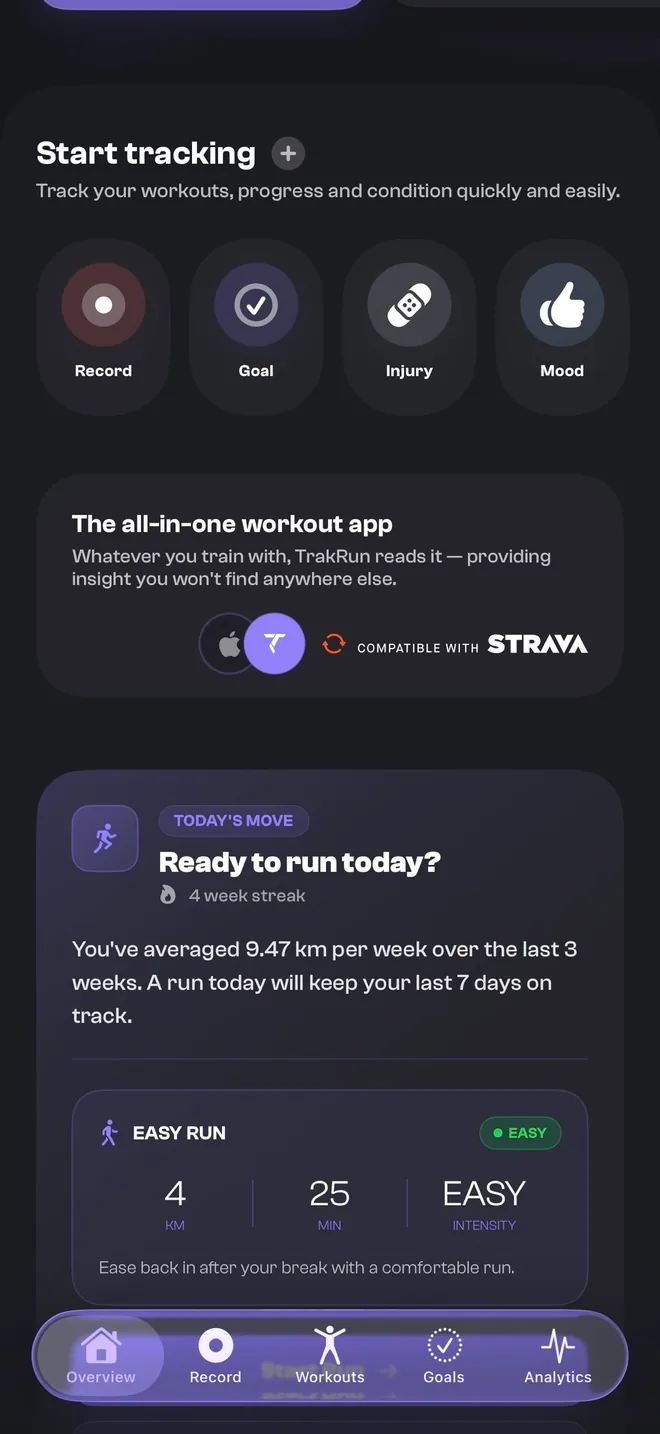
What Apple Health actually does
Apple Health isn’t a fitness app so much as a place apps agree to meet. An app can write what it records into it, and — with your permission, one data type at a time — another app can read it back. Your iPhone and Apple Watch write to it constantly without being asked.
That makes it the only integration a running app genuinely needs on iOS. No account linking, no third-party tokens to keep alive, no export file to re-import every few months. If it wrote to Health, it is already there.
What TrakRun reads
With your permission, and nothing beyond what the features use:
- Running workouts — with their distance, duration, pace and route.
- Heart rate — during runs, and at rest.
- Overnight signals — heart rate variability and resting heart rate, which are what a readiness score is mostly built from.
- Sleep — core, deep, REM and time in bed, scored against your own average.
- Energy and effort — the metrics that let a session be weighted rather than just counted.
New workouts arrive on their own in the background, so a run recorded on a watch on a Sunday morning is there before you next open the app.
Runs recorded in other apps
A run is a run, whichever app was holding the stopwatch. TrakRun labels each one with where it came from and then treats them all the same:
- Apple Watch— anything recorded in Apple’s own Workout app.
- Strava — runs recorded in Strava, arriving through Health and badged as Strava.
- Runna — plan sessions, read alongside the rest of your week rather than in a silo.
- WHOOP — band-recorded sessions and the recovery signals that come with them.
- TrakRun — runs you record in the app itself, on the phone or on the watch.
The part that matters is what happens next. Every insight is calculated across the whole set, not just the runs TrakRun recorded — so your training load, your pace zones and your personal records all reflect everything you actually ran. An app that only analyses its own recordings is describing a fraction of your week and calling it your training.
Duplicates, and why merging them matters
Record with a watch app and a phone app at once and Health ends up holding the same run twice. Left alone, that is not a cosmetic problem: the week’s volume is overstated, the load model thinks you ramped, and every number downstream inherits the error.
TrakRun matches those pairs and keeps one, with its original source badge intact. One timeline, each run once, labelled with where it came from — which is also why nobody has to leave the app they already use to get any of this. See what that means if you’re currently on Strava.
Permission, and what it costs you
Health access is granted per data type in iOS, and you can withdraw it at any time in the Health app — TrakRun keeps working with whatever it is still allowed to read, with the features that need the rest saying so.
The data is synced to TrakRun’s servers over an encrypted connection, because the recovery scores, run analysis and trends are calculated there and follow you across your iPhone and Apple Watch. It stays private to your account: never public, never sold, never used for advertising, never shared with data brokers, and deletable on request. The privacy policy sets out the detail.
Common questions
- Do I need to open TrakRun for a new run to arrive?
- No. TrakRun subscribes to Apple Health in the background, so a run recorded on your watch on a Sunday morning is already there the next time you open the app — whichever app recorded it, and without you having to trigger a sync.
- Do I have to move my running history to a new app?
- No. That is the point of reading Apple Health rather than asking you to import a file. Whatever is already in Health is what TrakRun reads, so your history is there the first time you open it — and it keeps arriving from whichever apps you carry on using.
- What happens if two apps record the same run?
- TrakRun merges the duplicates rather than showing the run twice, and keeps the original source badge on the one it keeps. This matters more than it sounds: a duplicated long run would otherwise inflate your weekly load and quietly skew every insight built on it.
- Does TrakRun sell or share my Health data?
- No. Health data is read with your explicit permission and used only for the features you see in the app. It is never used for advertising, never sold, and never shared with data brokers. You can revoke Health access at any time in the iOS Health app, and ask us to delete your account and everything attached to it.